Download StreamPulse
Get the beta on your FireStick or test in your browser
FireStick Installation
Install StreamPulse on your Amazon FireStick using the Downloader app.
Enable Apps from Unknown Sources
Go to Settings → My Fire TV → Developer Options → Apps from Unknown Sources → ON
Install Downloader App
Search for "Downloader" in the Amazon App Store and install it (orange icon)
Download StreamPulse
Open Downloader and enter this URL:
bit.ly/streampulse-beta
Or full URL: https://streampulse-apk-distribution.s3.us-east-1.amazonaws.com/staging/streampulse-latest.apk
Install & Launch
Once downloaded, select "Install". After installation, select "Open" or find StreamPulse in your apps.
Web Version
Test StreamPulse directly in your browser. Same experience, no installation required.
Open Web VersionFirst Time Setup
Create Account
Sign up with your email and create a password
Connect Platforms
Go to Settings and connect your Twitch and/or YouTube accounts
View Live Streams
Return to the home screen to see live streams from channels you follow
Note: Streams may take up to 10 minutes to appear after linking. The app refreshes automatically.
App Preview
See what StreamPulse looks like on FireStick.
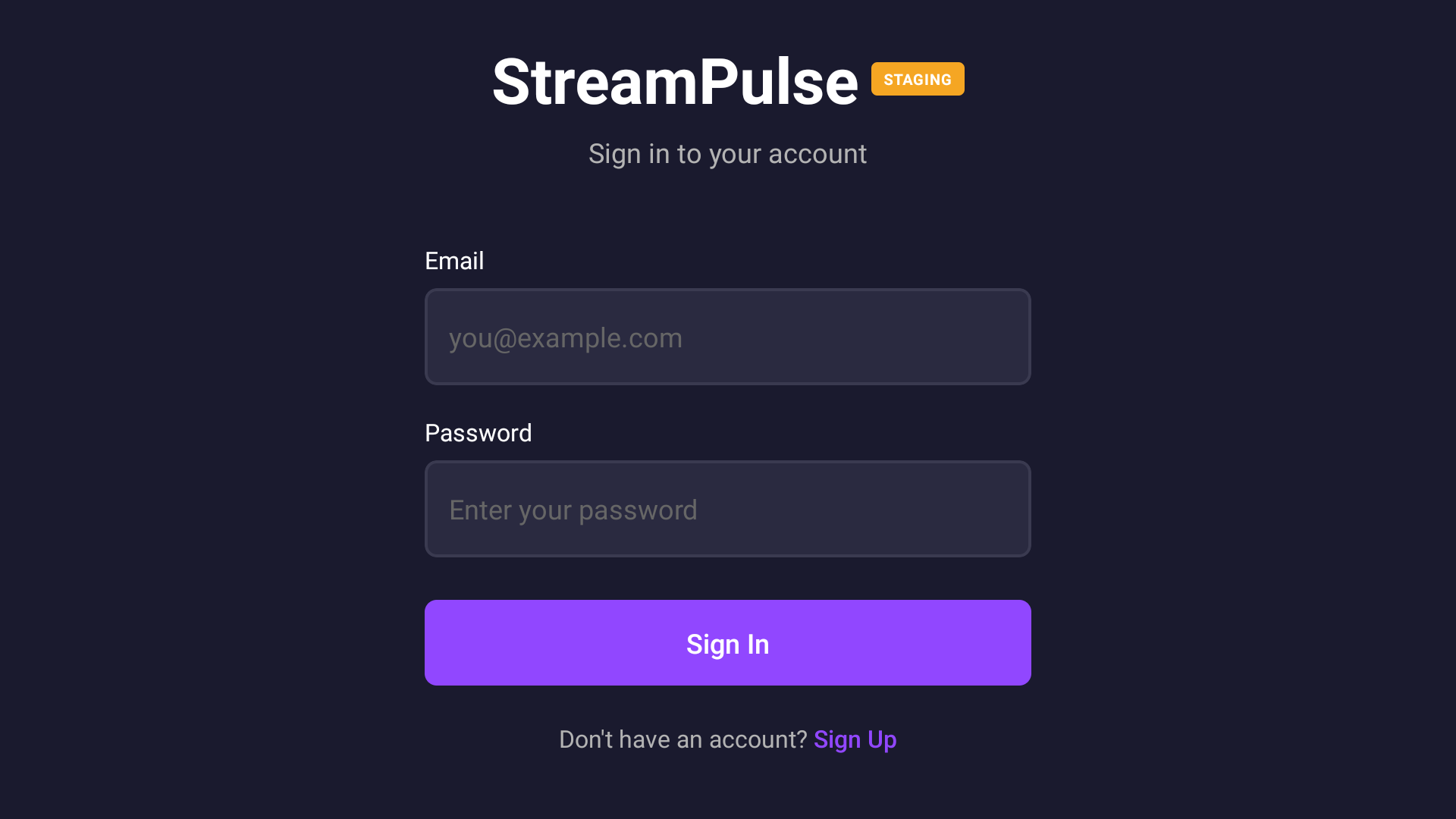
Login
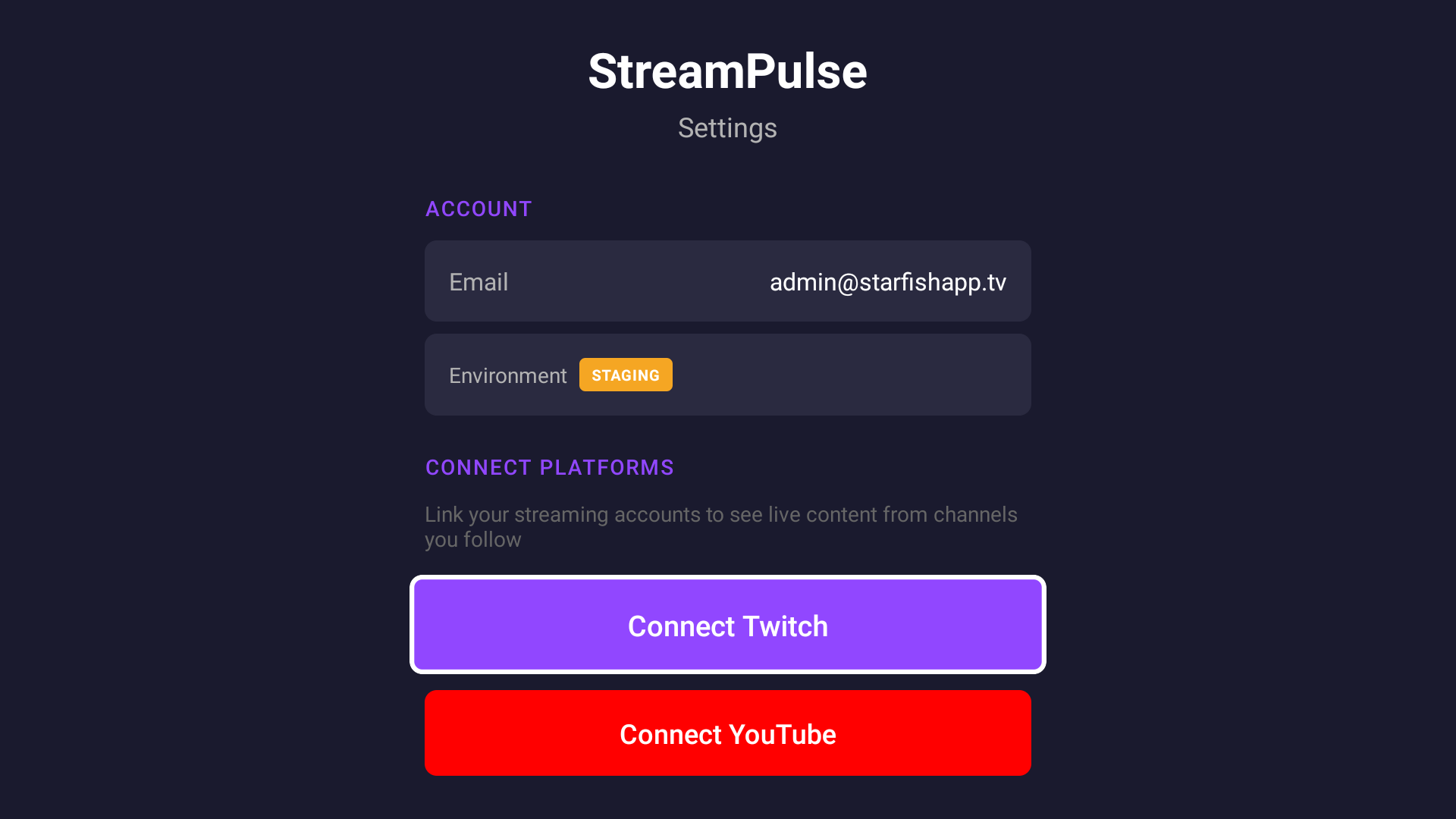
Connect Platforms
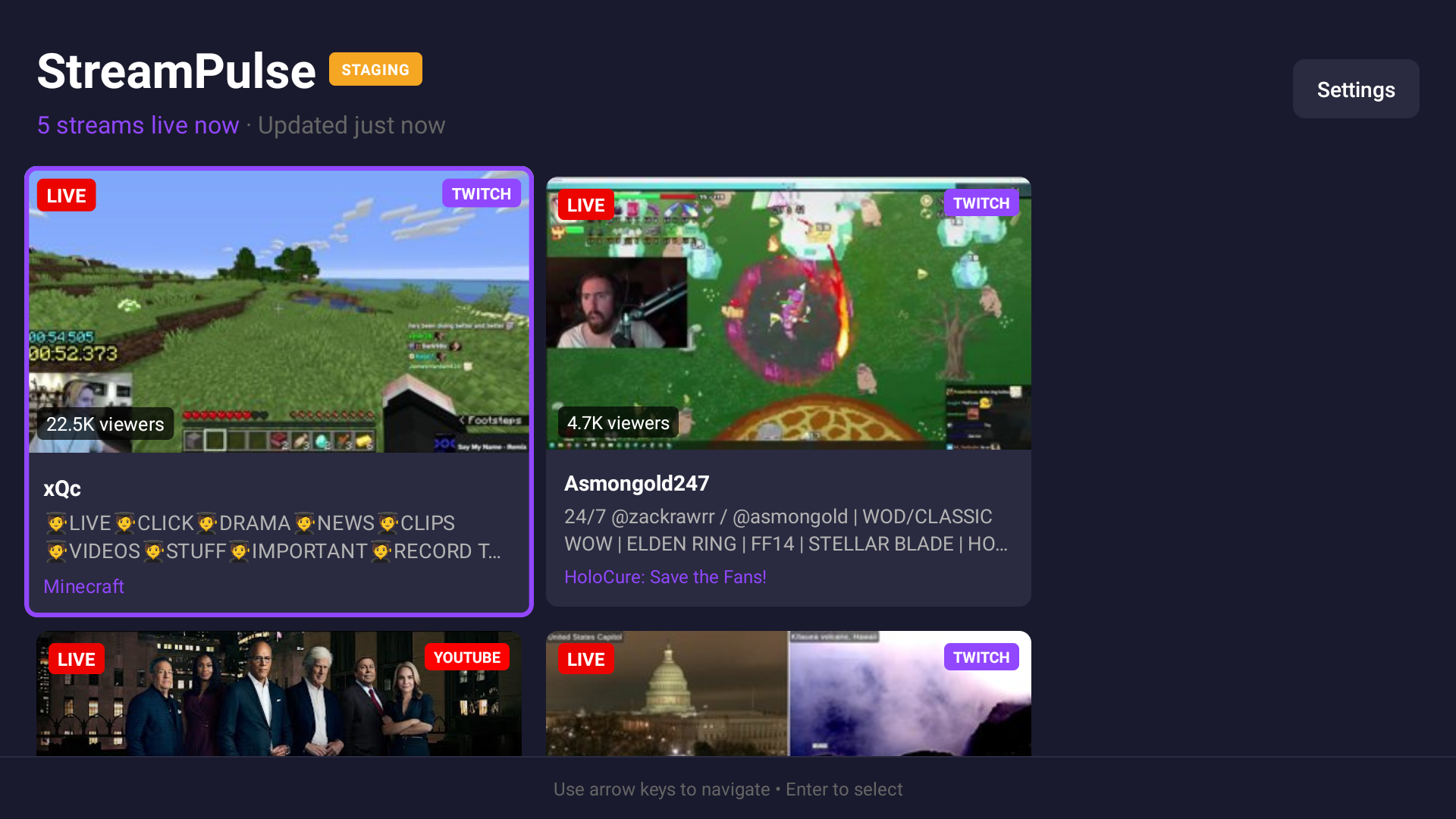
Live Streams